

Build it once,then just send
Upload a PDF, place the fields and set the rules: who signs, in what order, how each signer proves who they are and what goes into the signed document. From then on, every document goes out the same way.
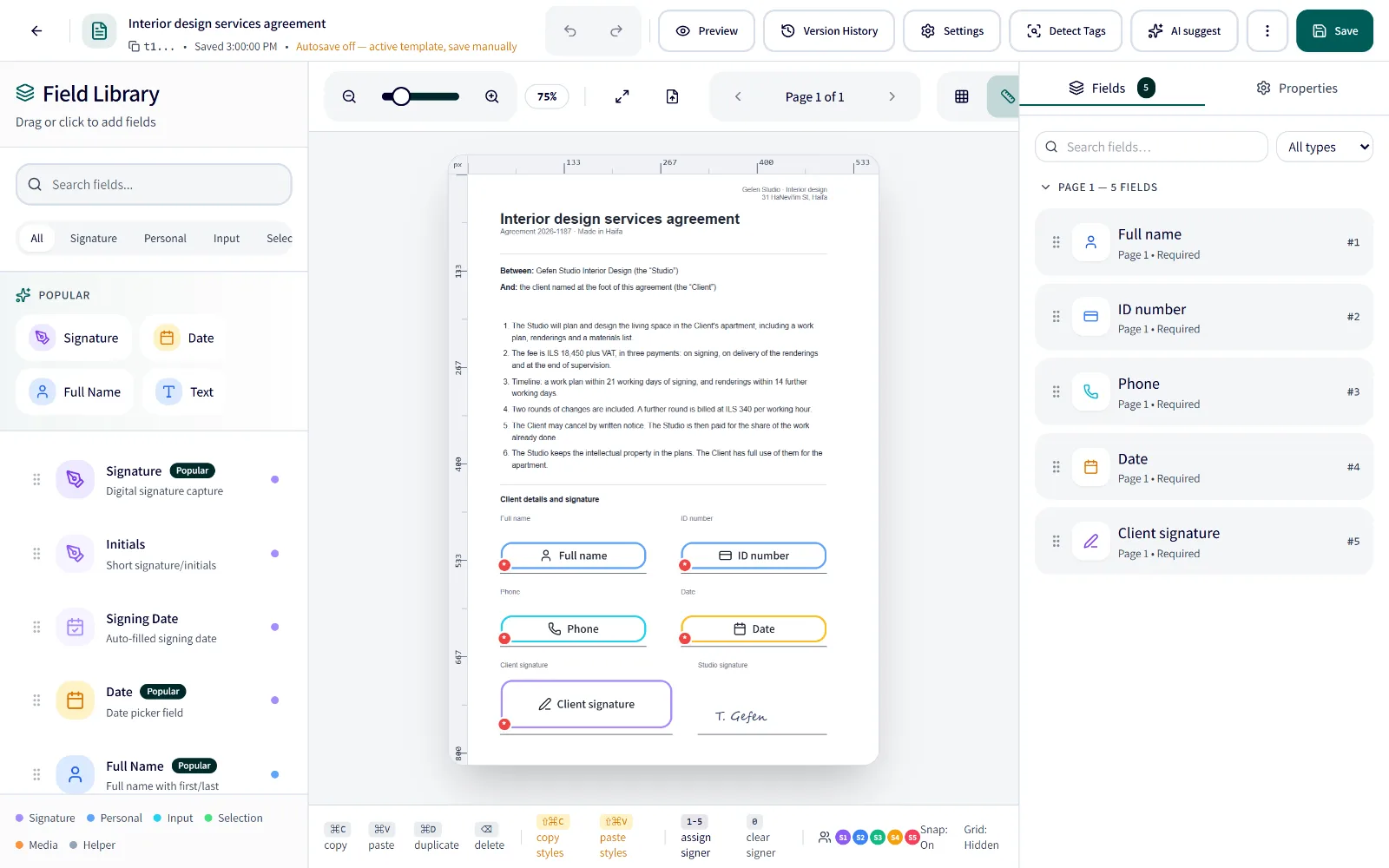
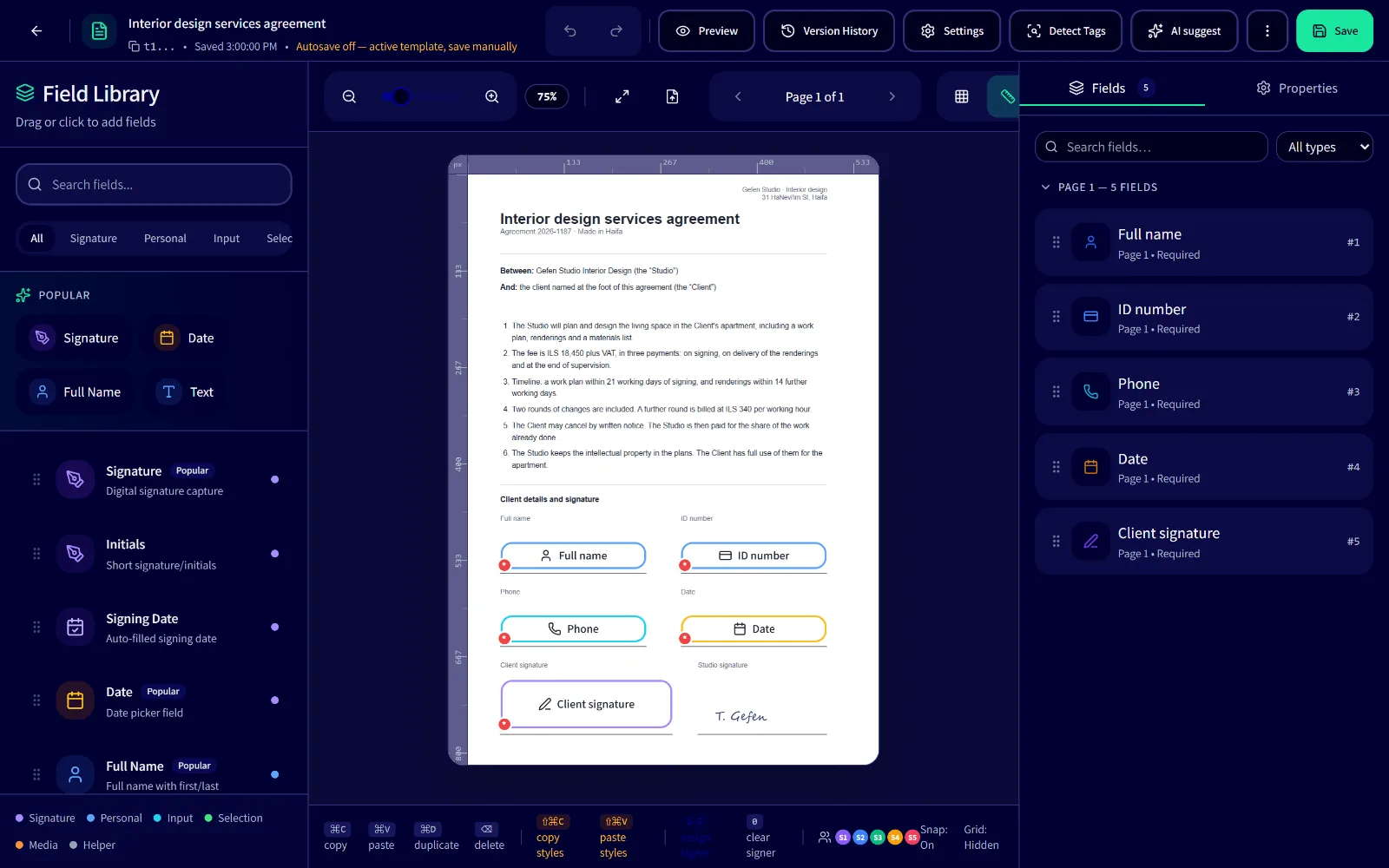
Start from the PDF you already have
The contract, form or quote you already send, without retyping it into another system.
Upload
Any PDF, an export from your software included. Links embedded in it can be stripped with one switch.
The fields are found for you
Signature, date, full name and ID number are spotted on the page.
Limit detection to the types you choose From Pro
Arrange
Drag fields into place, rename them and choose who fills each one, from 26 field types.
Set the rules once
Every switch here is a SignFlow template setting. Flip them and watch what the signer goes through and what goes into the signed PDF.
A switch without a tag is on every plan.
Then send it however suits you
The same template and the same rules, wherever you send from.
- Every plan
From the dashboard
Pick the template, add the signers, send.
- { }Every plan
REST API
One request with the template and the signers, and fields filled in ahead if you like.
 Every plan
Make.com
The SignFlow app on Make sends the template from any scenario.
 ₪99 add-on · from Starter
Priority and CRM systems
SignFlow Connect links the template to Priority and to CRM systems.
- By invitation · opening to everyone soon
Automations
A flow that starts from an event in another system and sends the template by itself.
Templates on each plan
- Free2 templates
- Starter10 templates
- Pro30 templates
- Business100 templates
- Duplicate a template and change only what differs
- A draft template can't be sent until you make it active
- The signing language, Hebrew or English, is set for each template
Free: 2 templates, 10 documents a month
No credit card needed